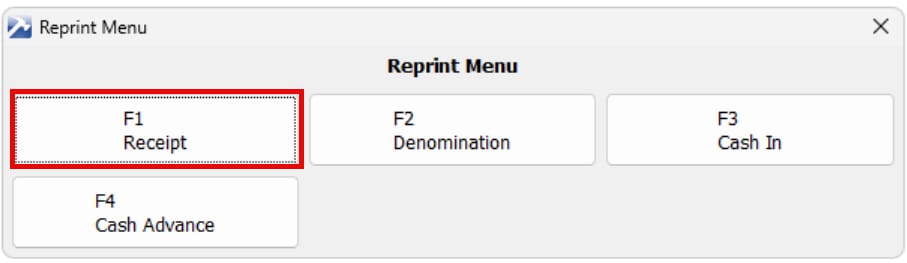
The Reprint function allow you to reprint the Receipt, Cash Denomination, Cash In and Cash Advance. In this tutorial we will reprint the receipt.
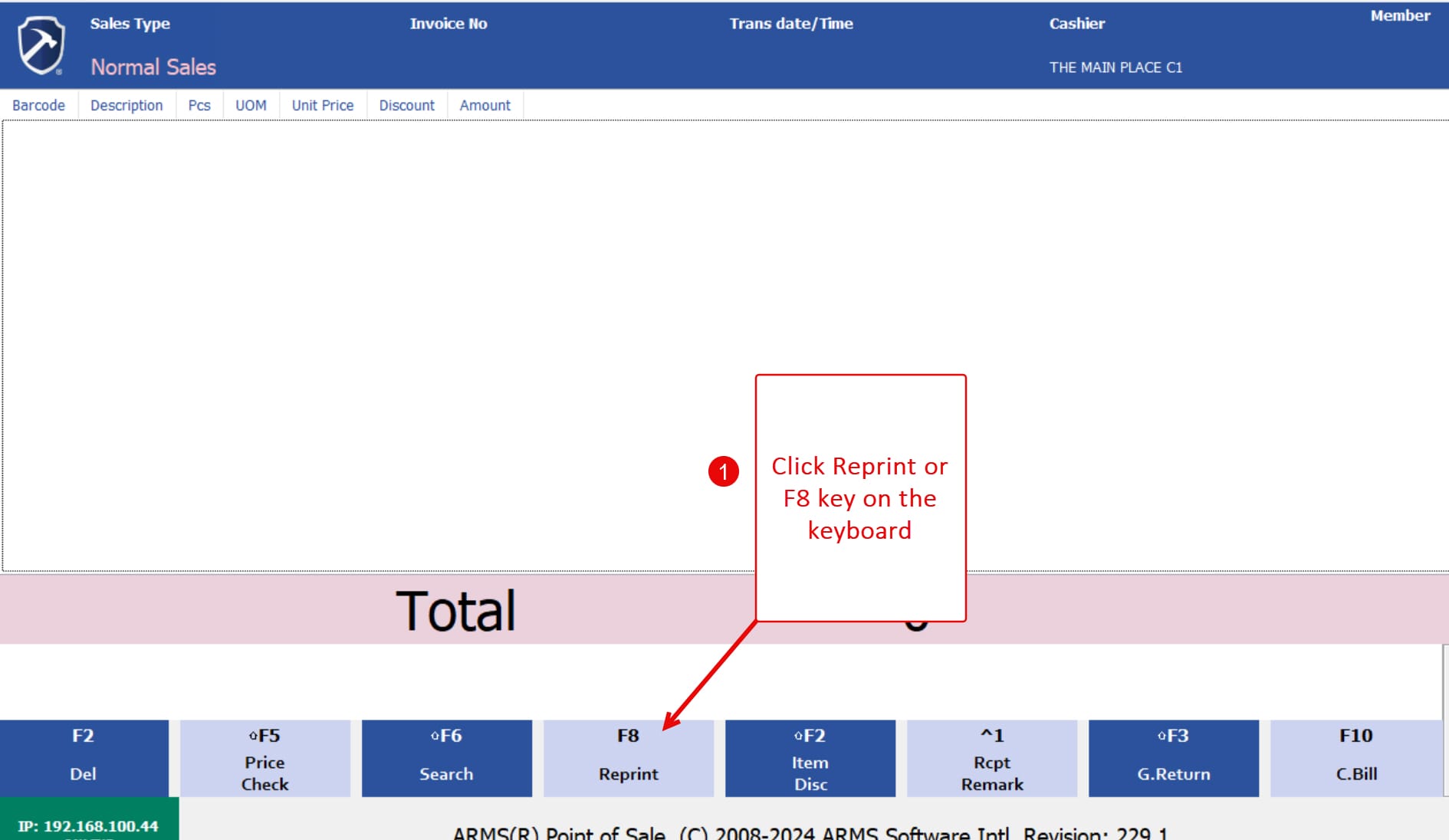
1. Click the “Reprint” button or press F8 key on the keyboard.
2. Select “Receipt” or press F1 key on keyboard to reprint Receipt.
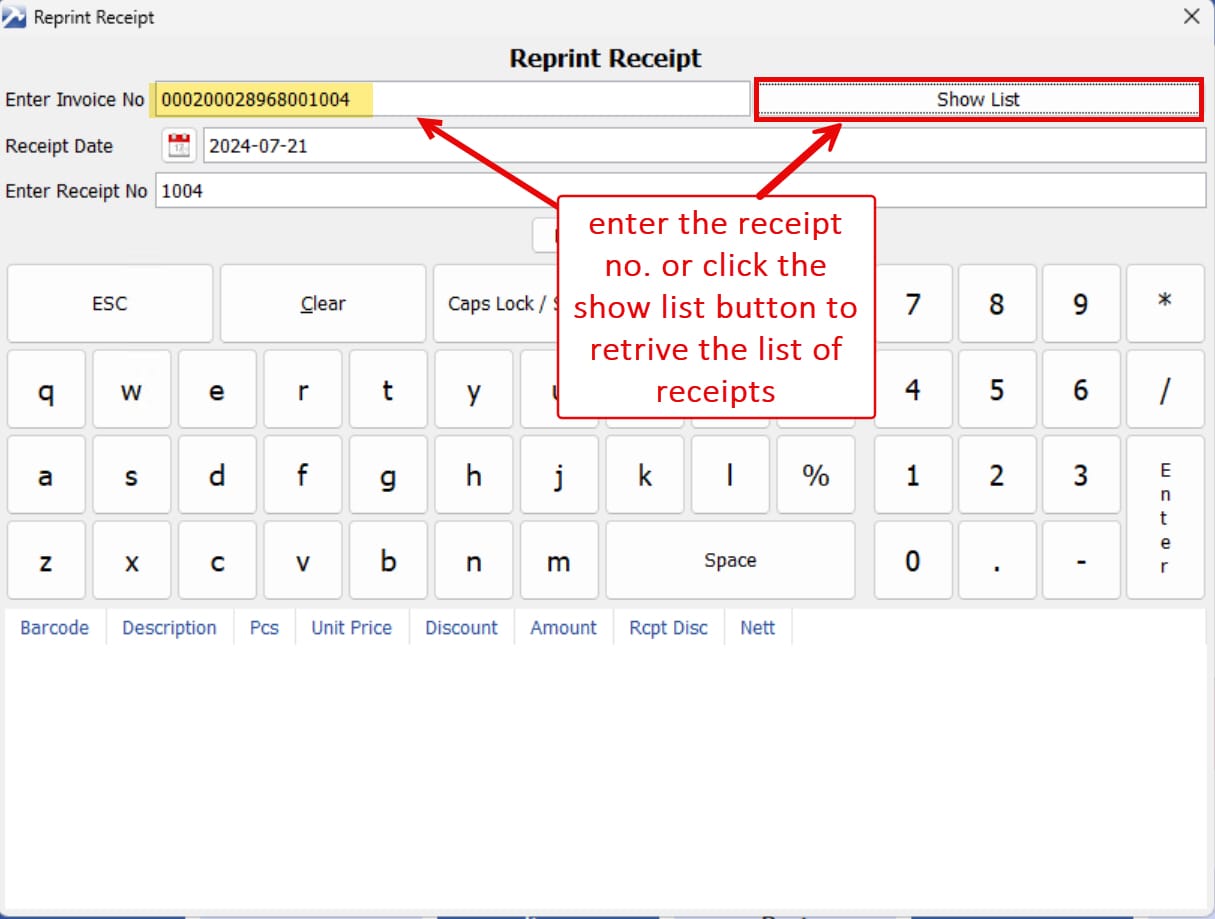
3. Input the complete invoice number or select the “Show List” button to access today’s receipt inventory.
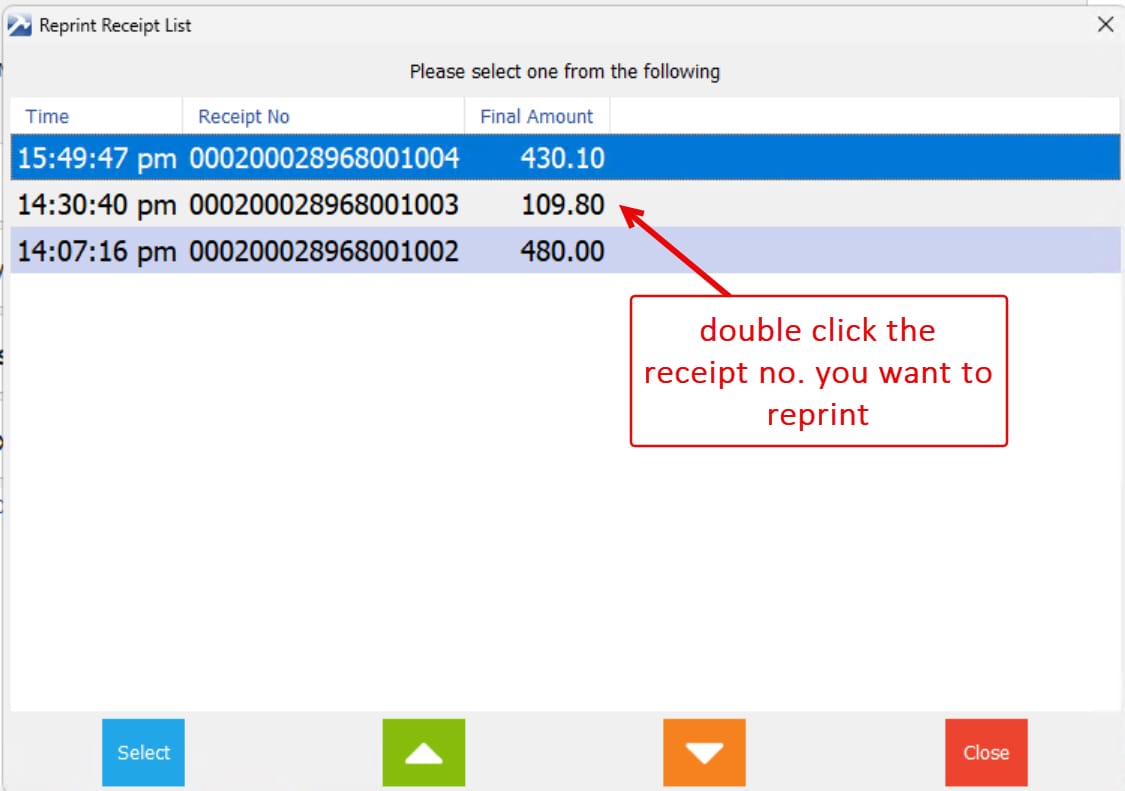
4. The POS system will display list of the receipt. To reprint or view a specific receipt, double-click on its corresponding number.
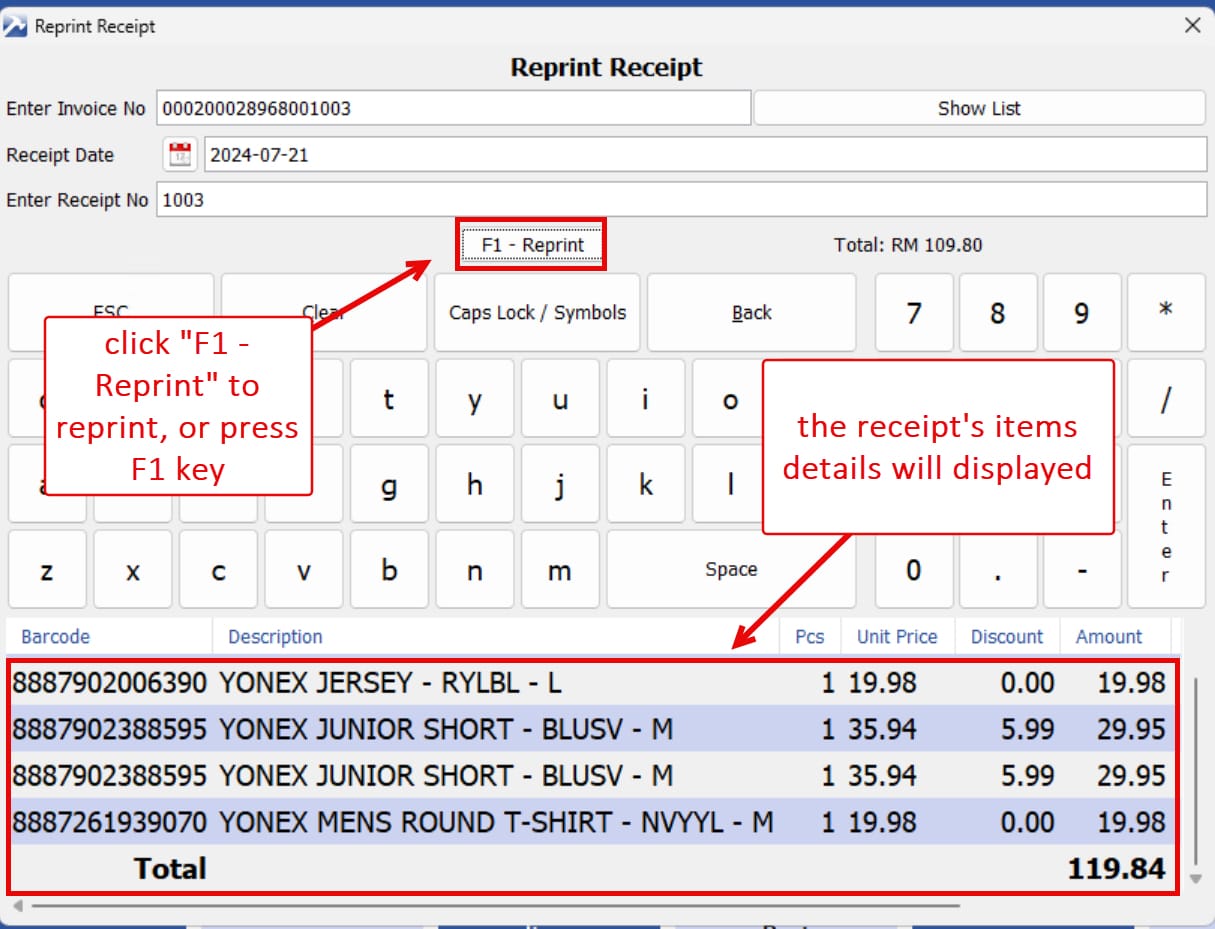
5. The receipt with the item details will display. Click “Reprint” button or press F1 key to reprint the receipt.
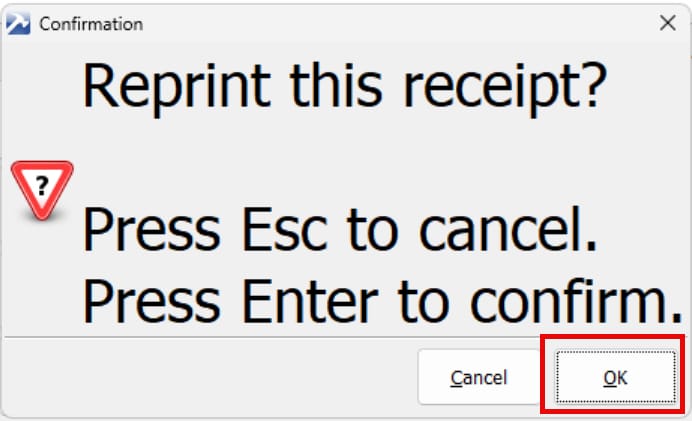
6. Click “OK” to continue or “Cancel” to cancel the printing.