
The OC Membership program allows customers to purchase a selected range of products at special member prices. To become a member and enjoy these benefits, customers must download the app and complete the registration process.
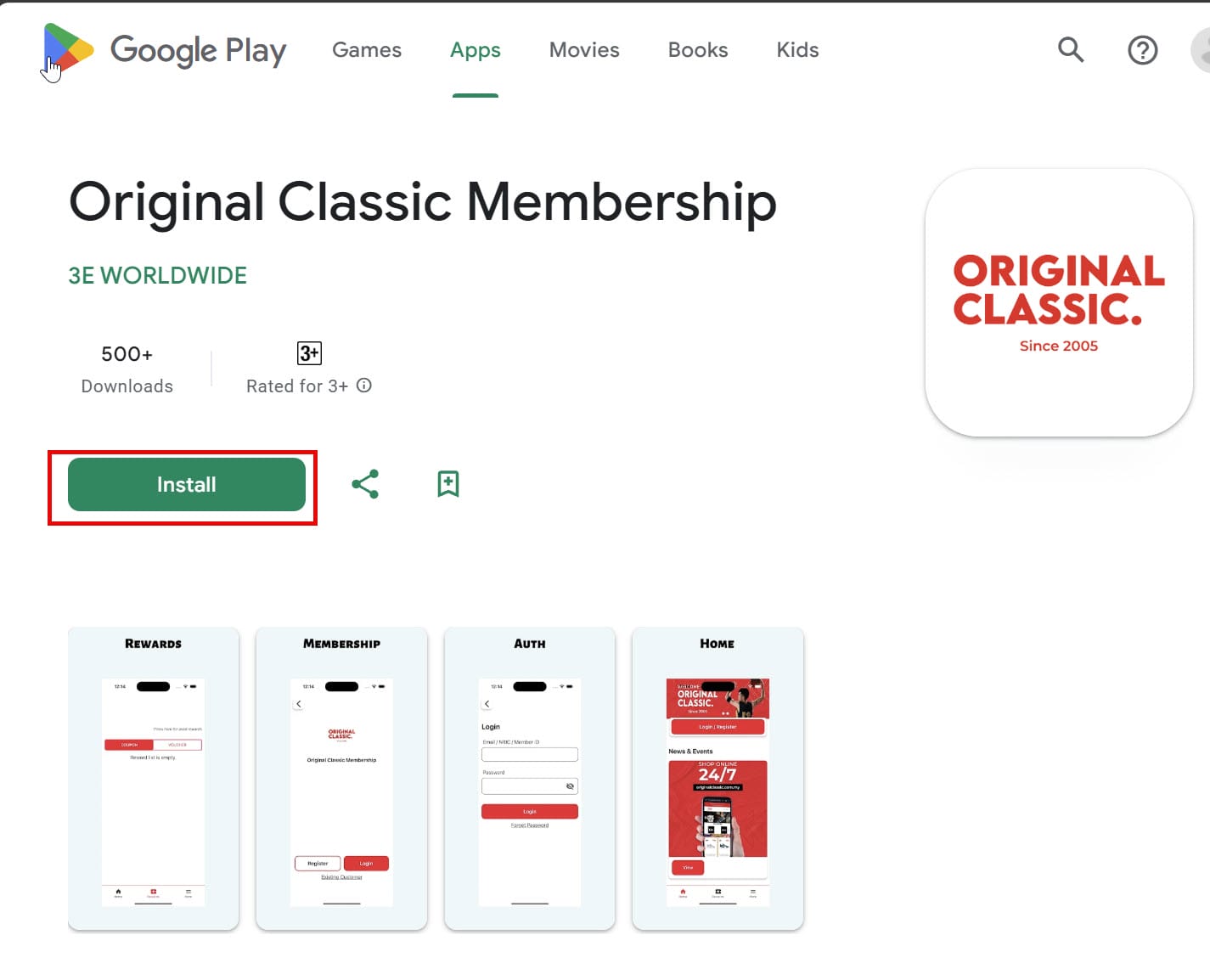
For Android – Go to the Android Play Store, search for the Original Classic Membership app and install.
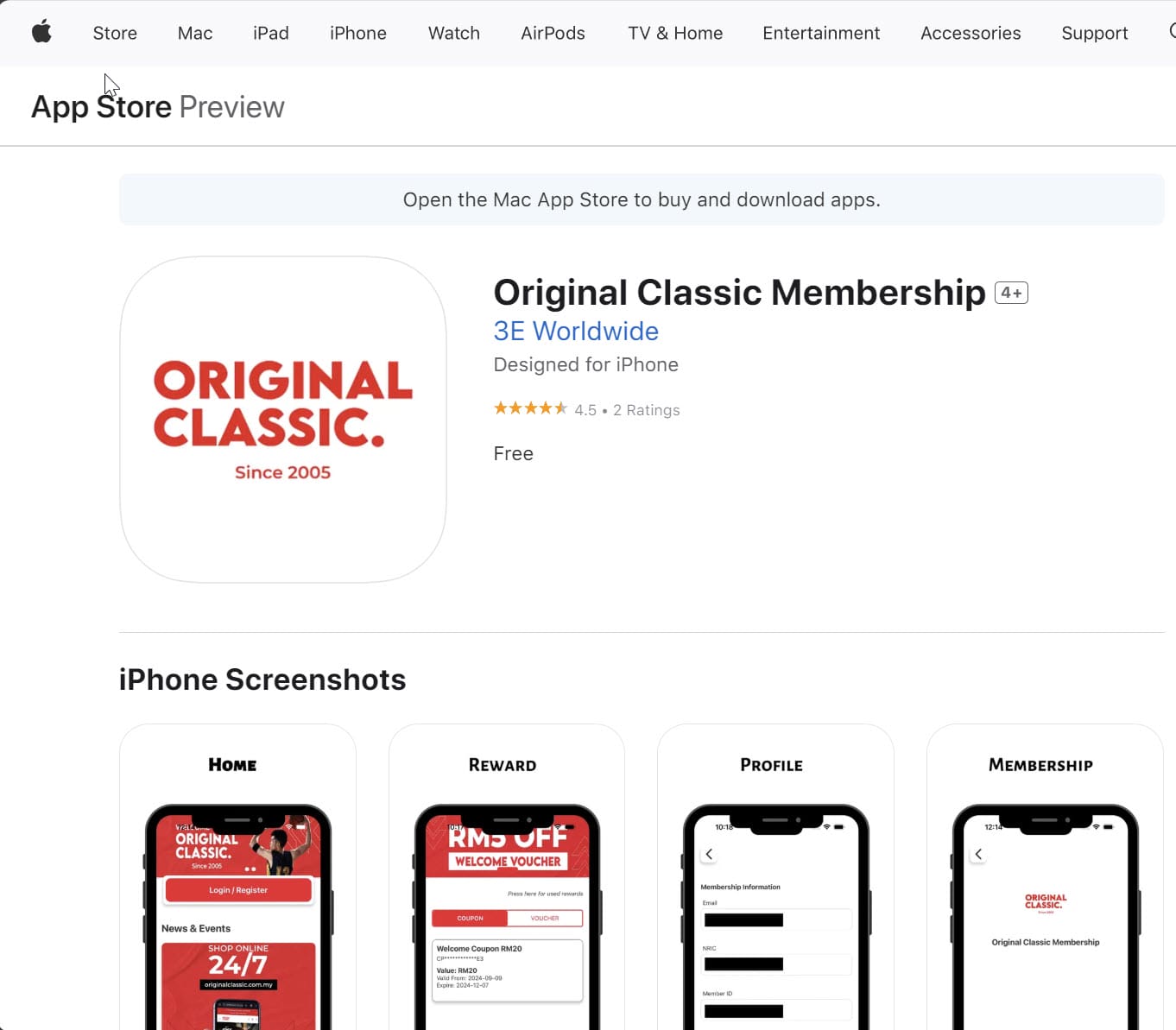
Apple – Go to the Apple Store, search for Original Classic Membership app and install.
1. After installed the OC Membership apps, launch the apps and the Home screen show. Click the Login/Register button to register.

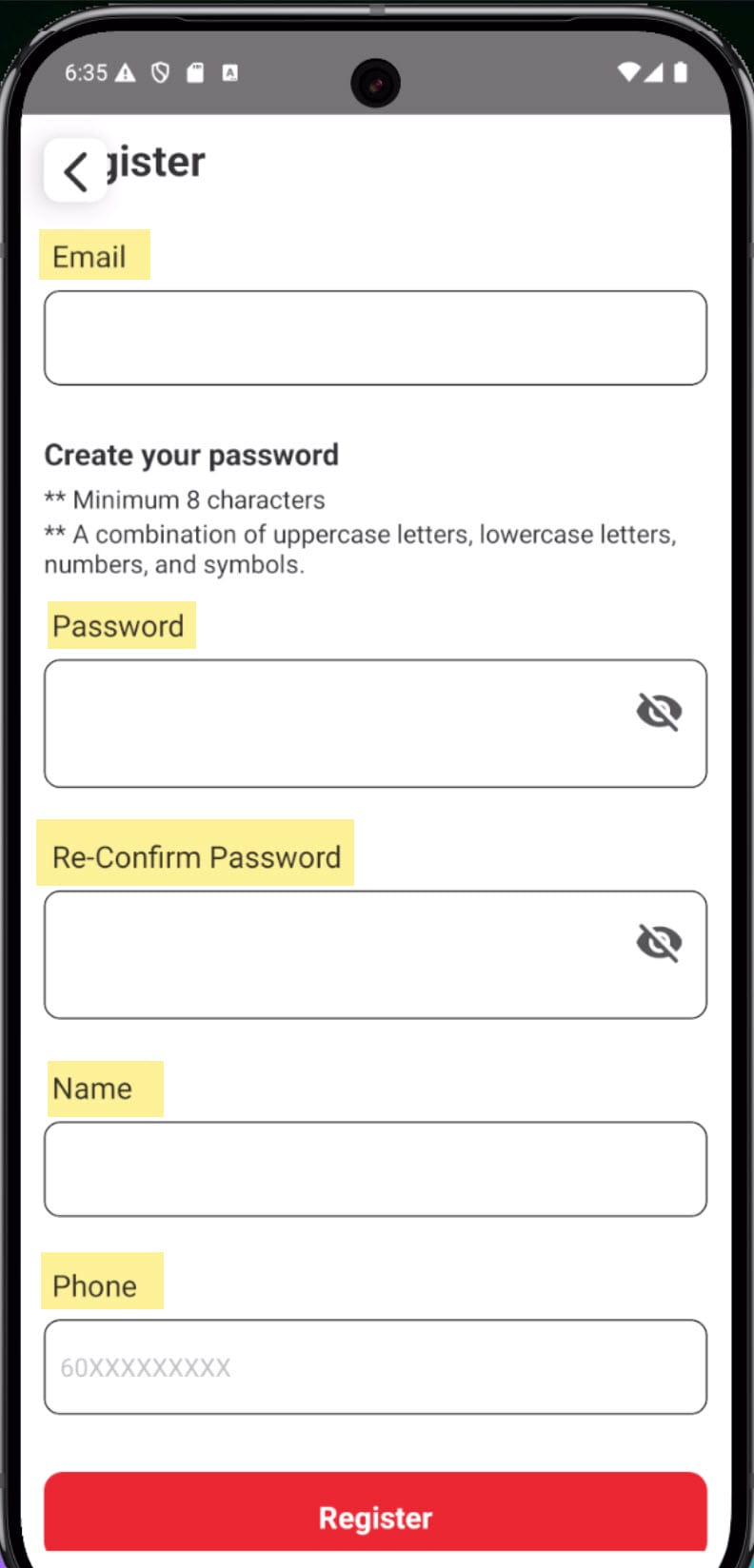
2. Customer has to fill up the compulsory fields to complete the registration. Such as Email, Password, Name and Phone no.
3. After filled up the information and registered, go back to Home screen and click Login
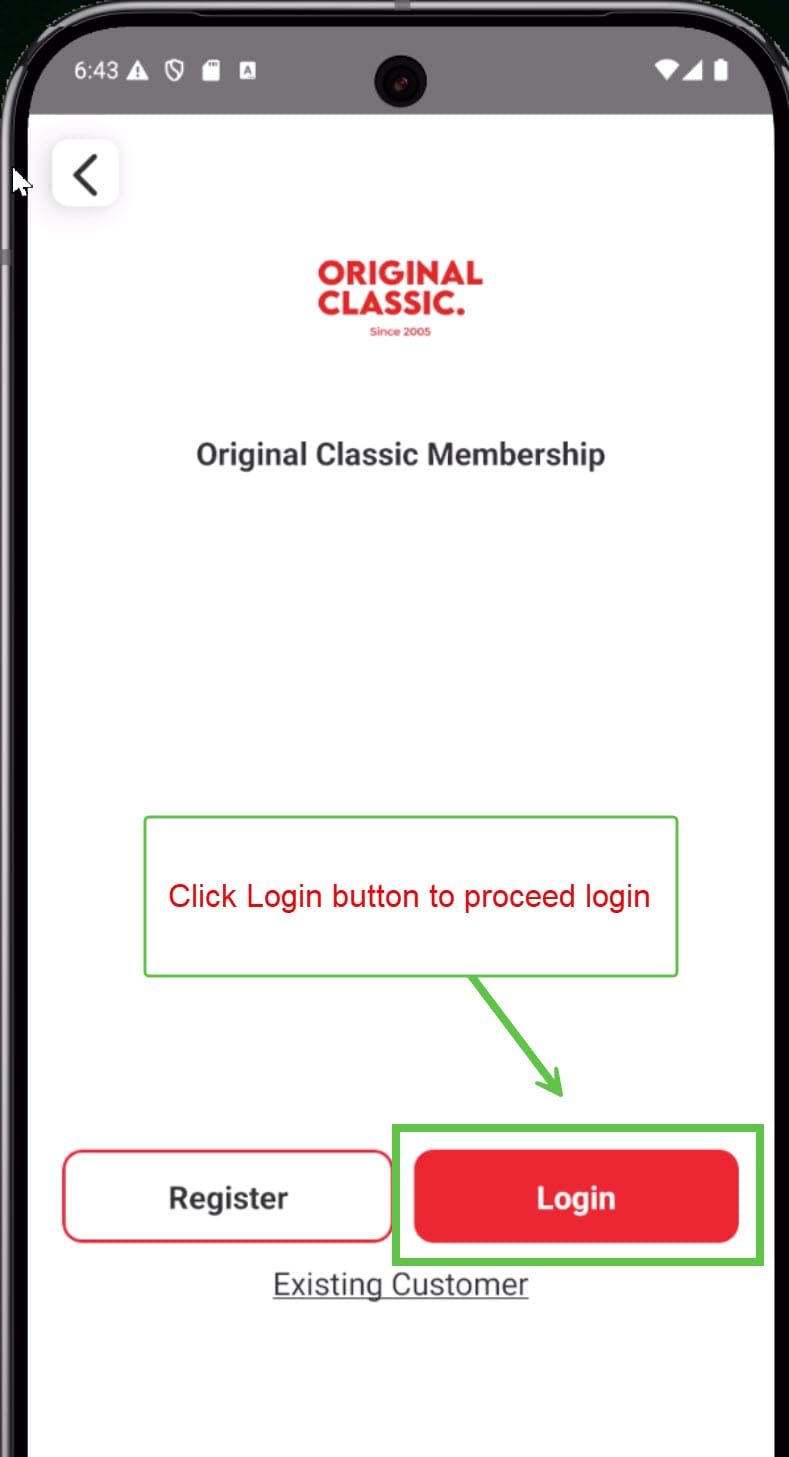
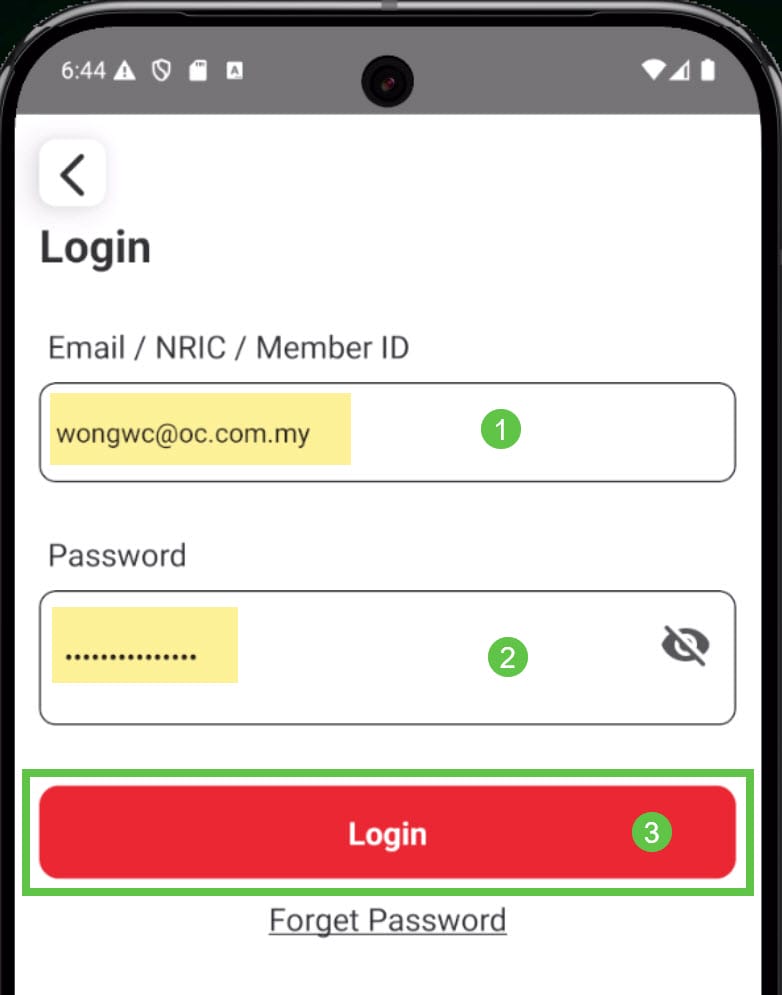
4. Enter the Email and Password and click Login to proceed.
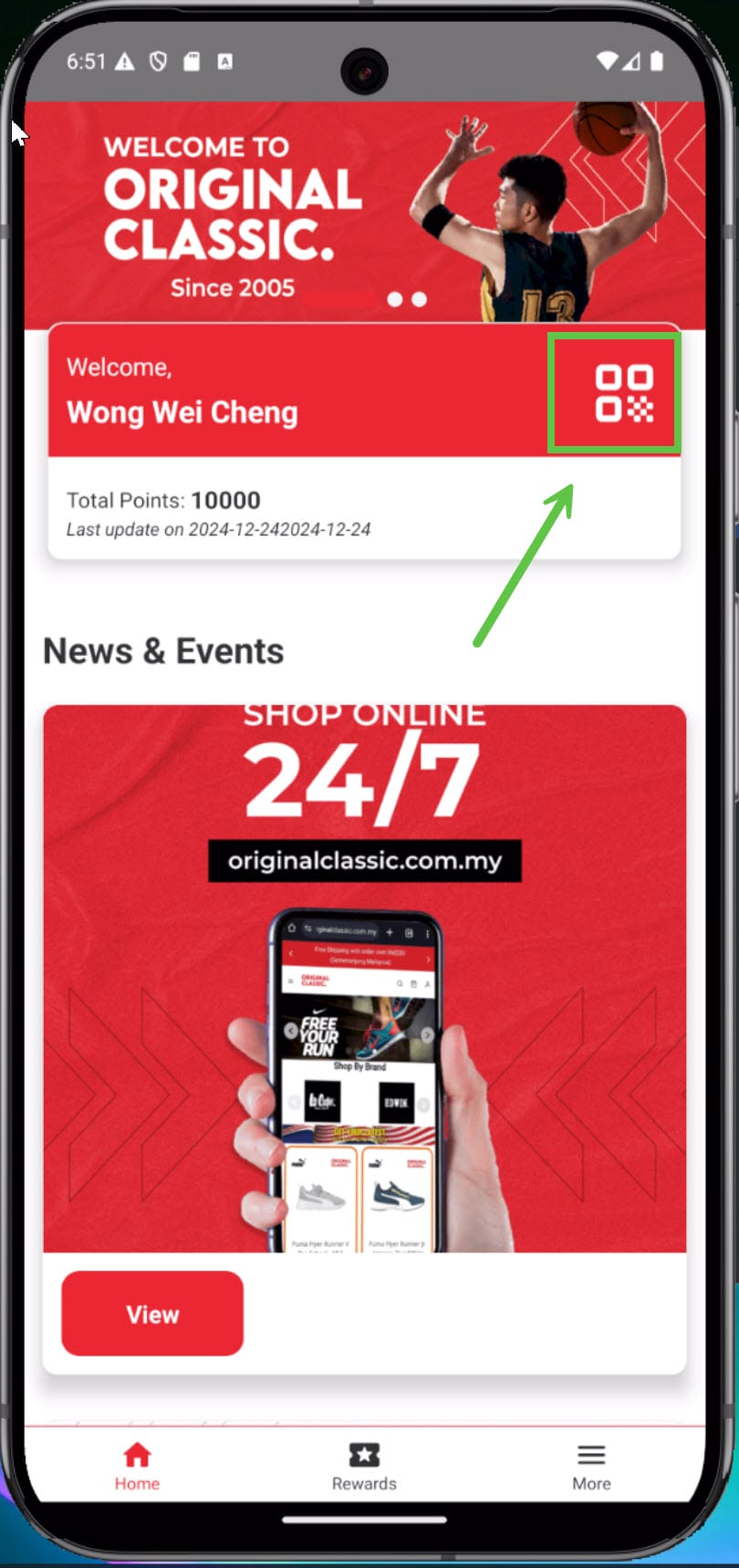
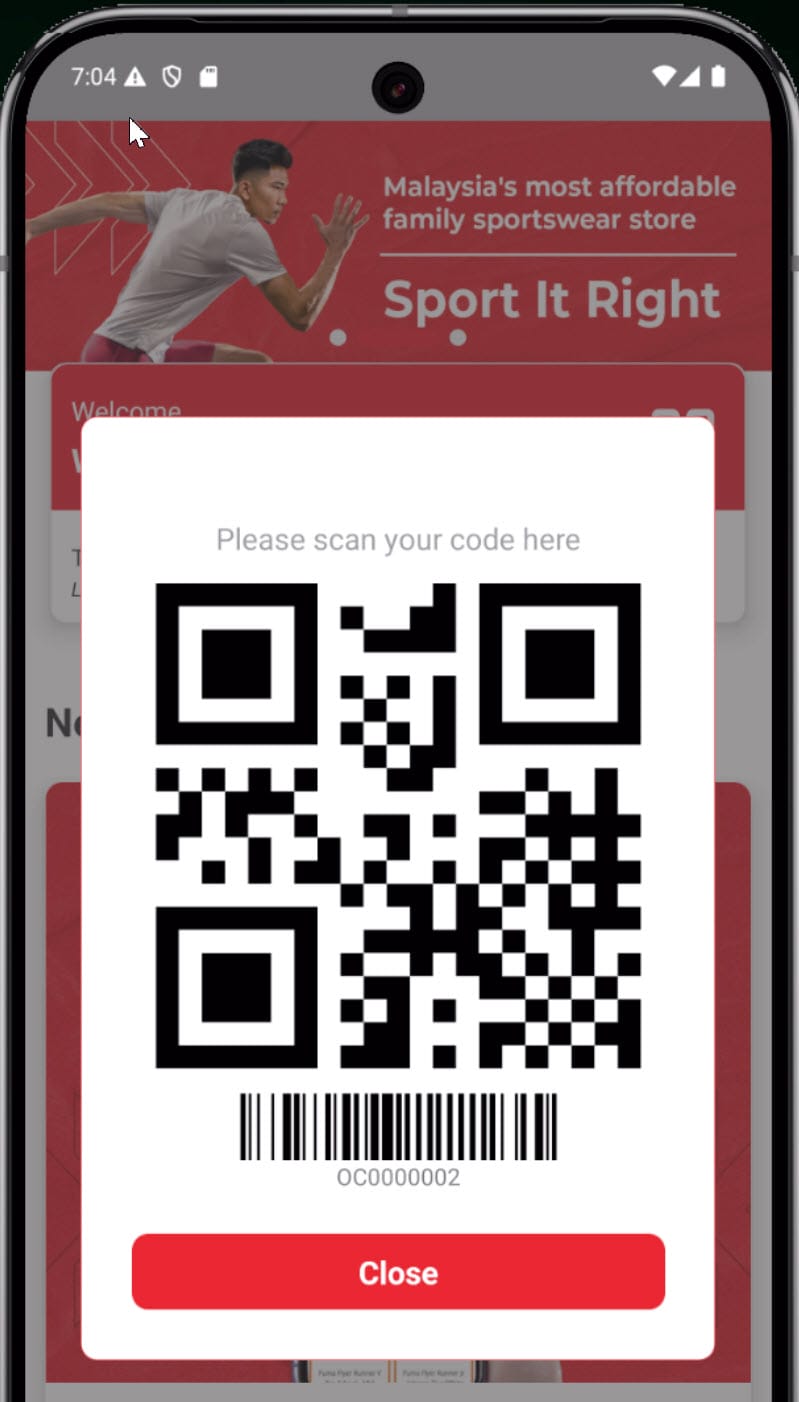
5. Once login successfully, the Home screen should show the customer’s name. Click on the QR code tab to view the customer ID and barcode.
end