
1. To logout or close the POS, press the shortcut key “F12” on the keyboard and this will log you out of the POS system.
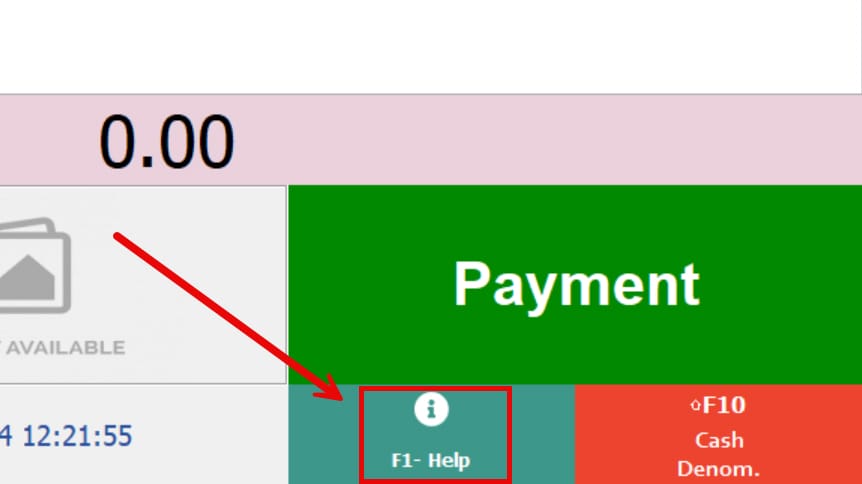
2. If the shortcut key “F12” does not work, press “F1” on the keyboard to bring up the shortcut key menu.
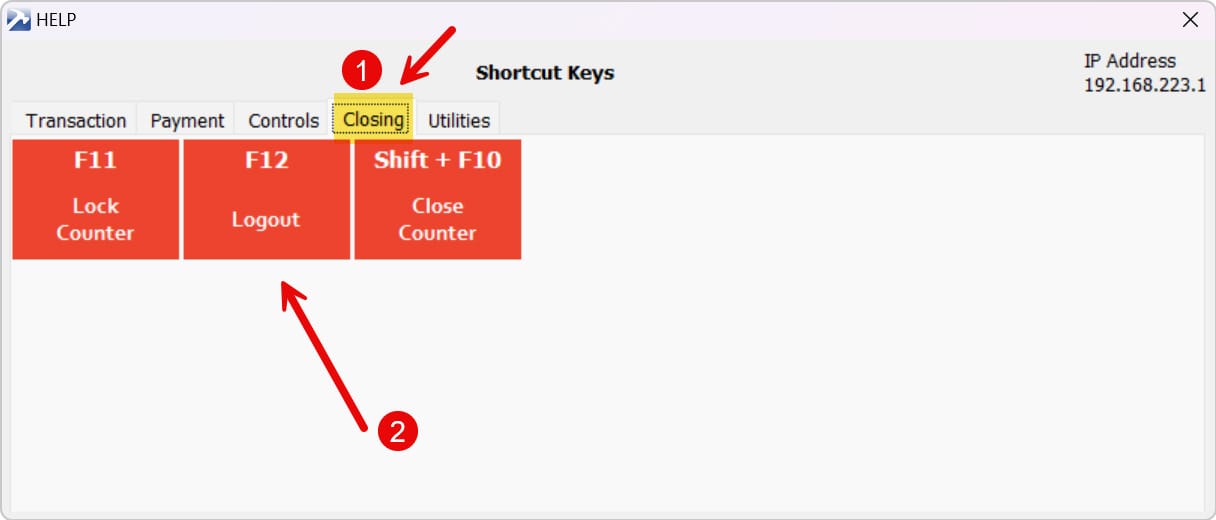
3. Go to the “Closing” tab, click on the “Logout” button to logout the POS.
end