
This guideline provides OC Sports staff with recommended practices for using Microsoft Teams to communicate effectively and professionally. It covers meetings, calls, chats, and calendar usage.
All employees are expected to follow these guidelines to maintain clear communication, data security, and professional conduct in the digital workspace.
1. Microsoft Teams Meetings #
- Join meetings on time and prepared with necessary materials.
- Use the meeting agenda and share it in advance.
- Keep your microphone muted when not speaking.
- Use your camera if appropriate and ensure professional background.
- Record only when necessary and with participant consent.
- After the meeting, share minutes or recap using the meeting chat
2. Teams Calls #
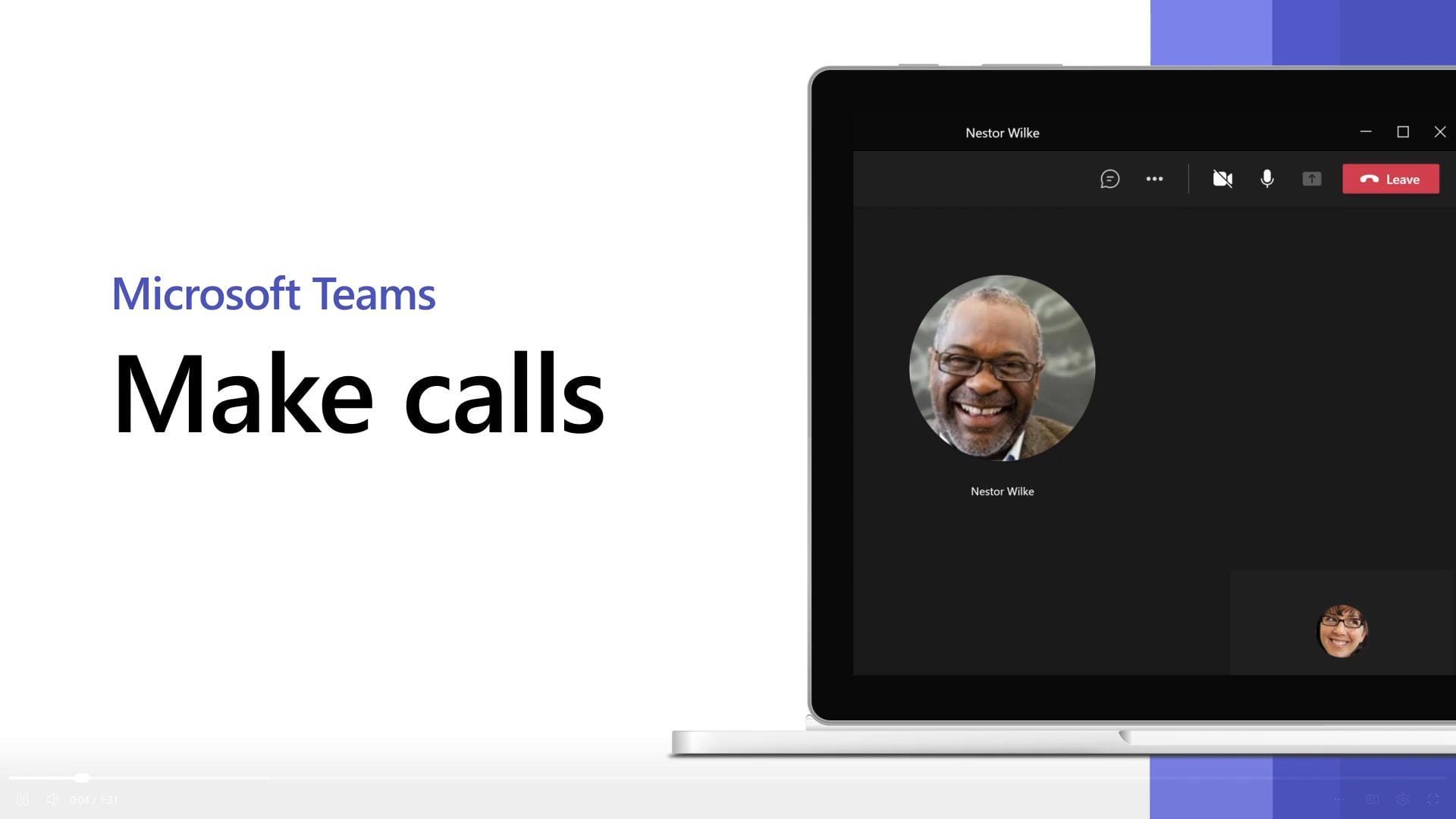
- Use Teams Calls for one-to-one or small group discussions.
- Check your audio and video settings before calling.
- Be aware of your surroundings and minimize noise.
- Avoid multitasking during calls; focus on the conversation.
- End calls with clear next steps or follow-up actions.
3. Teams Chat #
- Use Teams chat for quick updates, questions, or informal communication.
- Keep messages concise, clear, and respectful.
- Use @mentions to notify specific people or teams.
- Avoid sharing confidential data in general chats.
- Use emojis and reactions appropriately to maintain professionalism.
4. Teams Calendar #
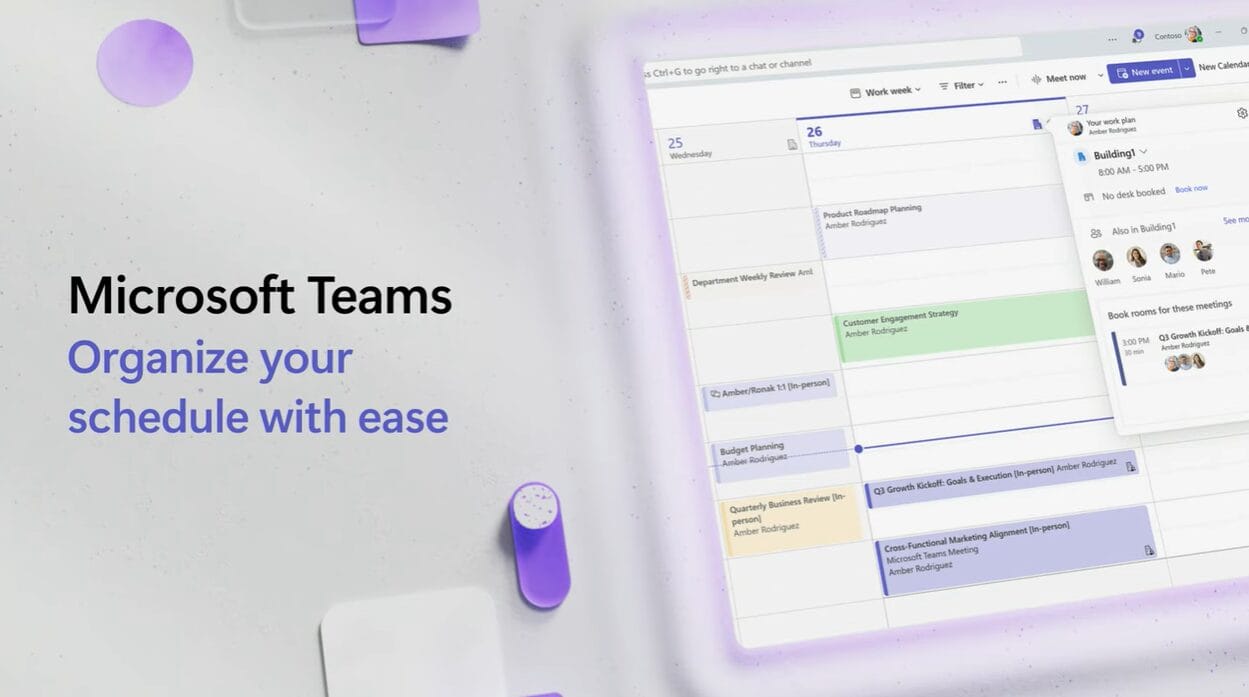
- Schedule meetings through the Teams Calendar for visibility and consistency.
- Use the Scheduling Assistant to avoid conflicts.
- Set reminders and provide clear meeting titles.
- Share your calendar with team members when necessary.
For additional resources and tutorials, visit the official Microsoft Teams Support Center:
https://support.microsoft.com/en-us/teams